01 / SCAN
Turn pages into PDFs.
Capture a page with your camera and make a PDF ready for what comes next.
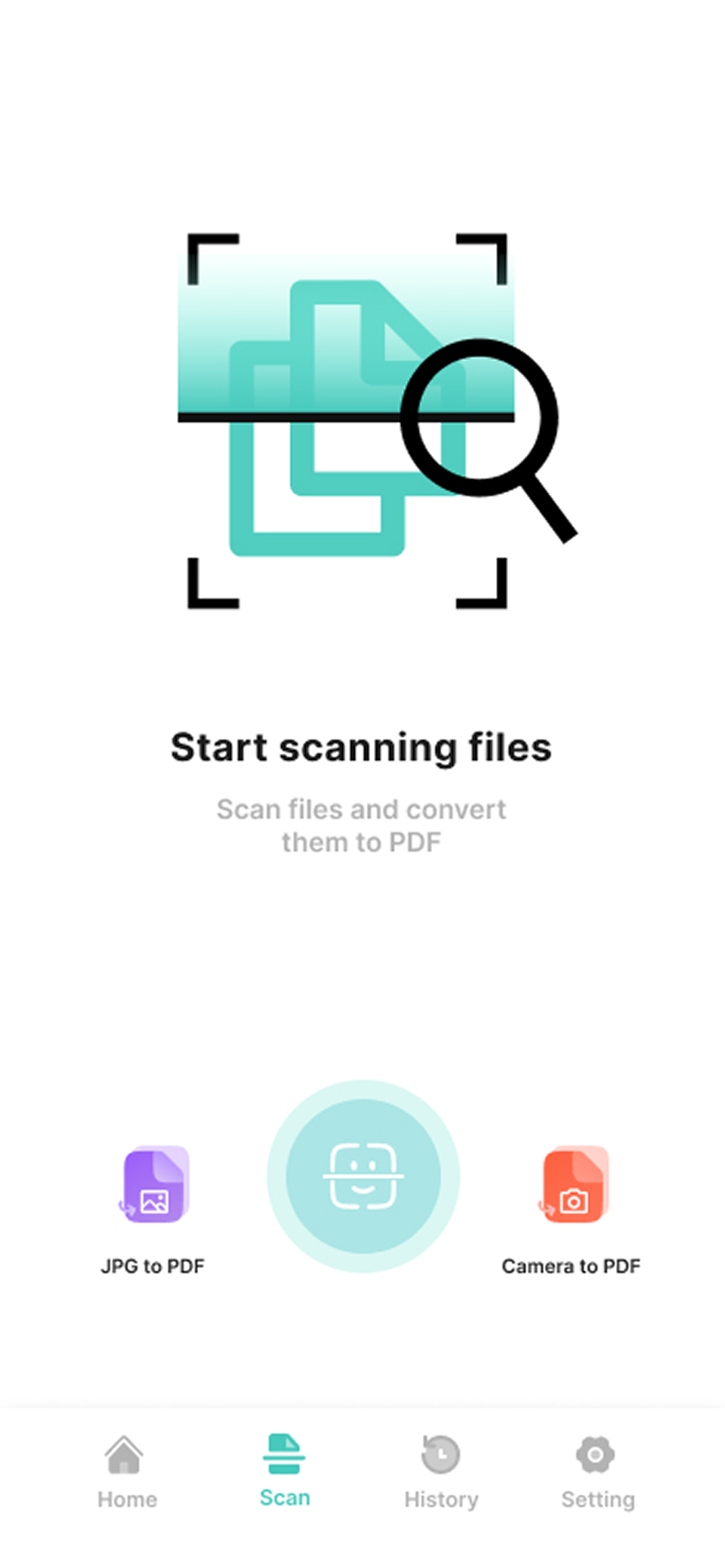
Scan pages to PDF, convert everyday files, and keep the documents you need within reach. One app for the little things that keep life moving.
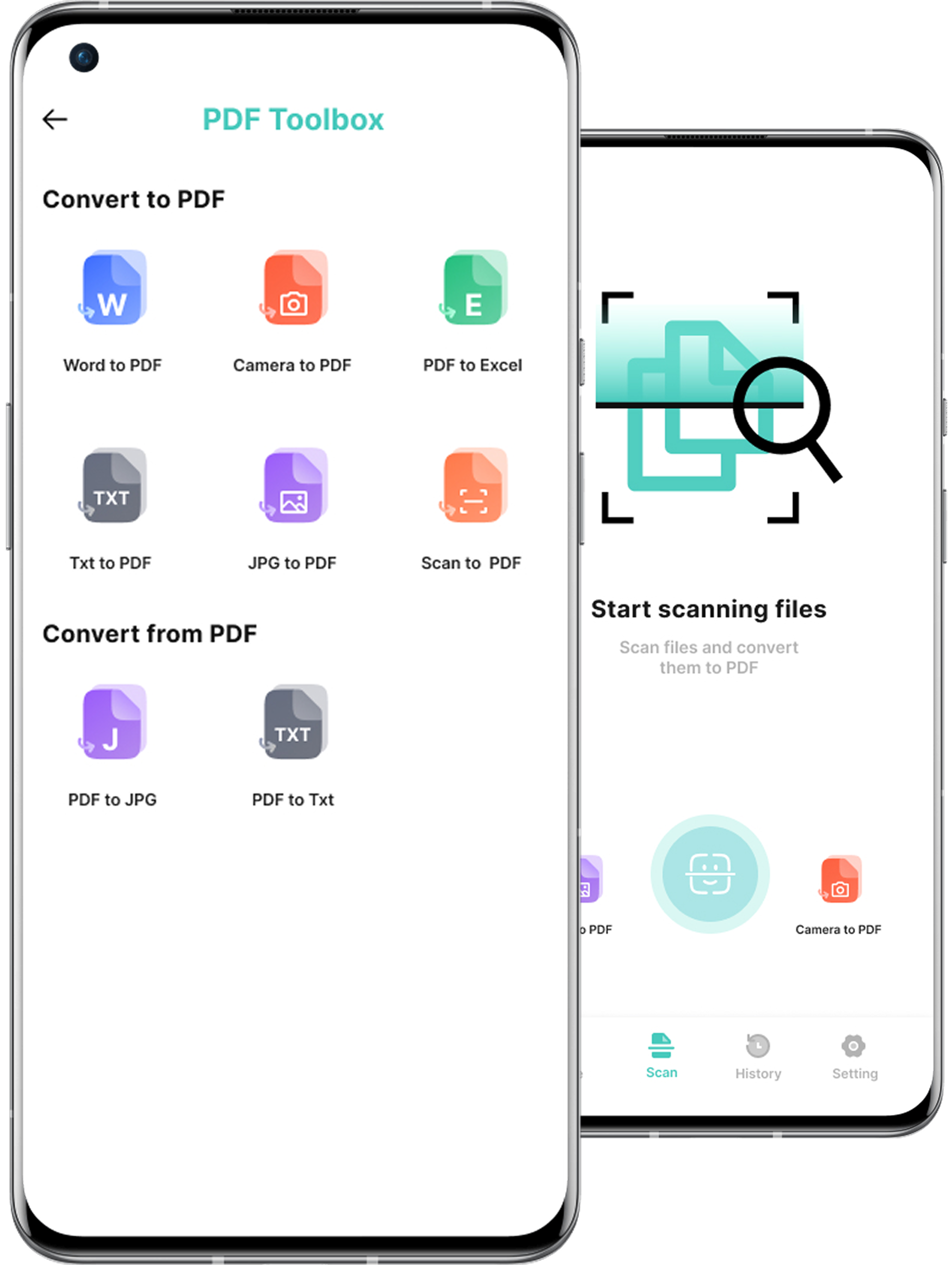
From a page in front of you to a file you need to share, keep the next step simple.
Capture a page with your camera and make a PDF ready for what comes next.
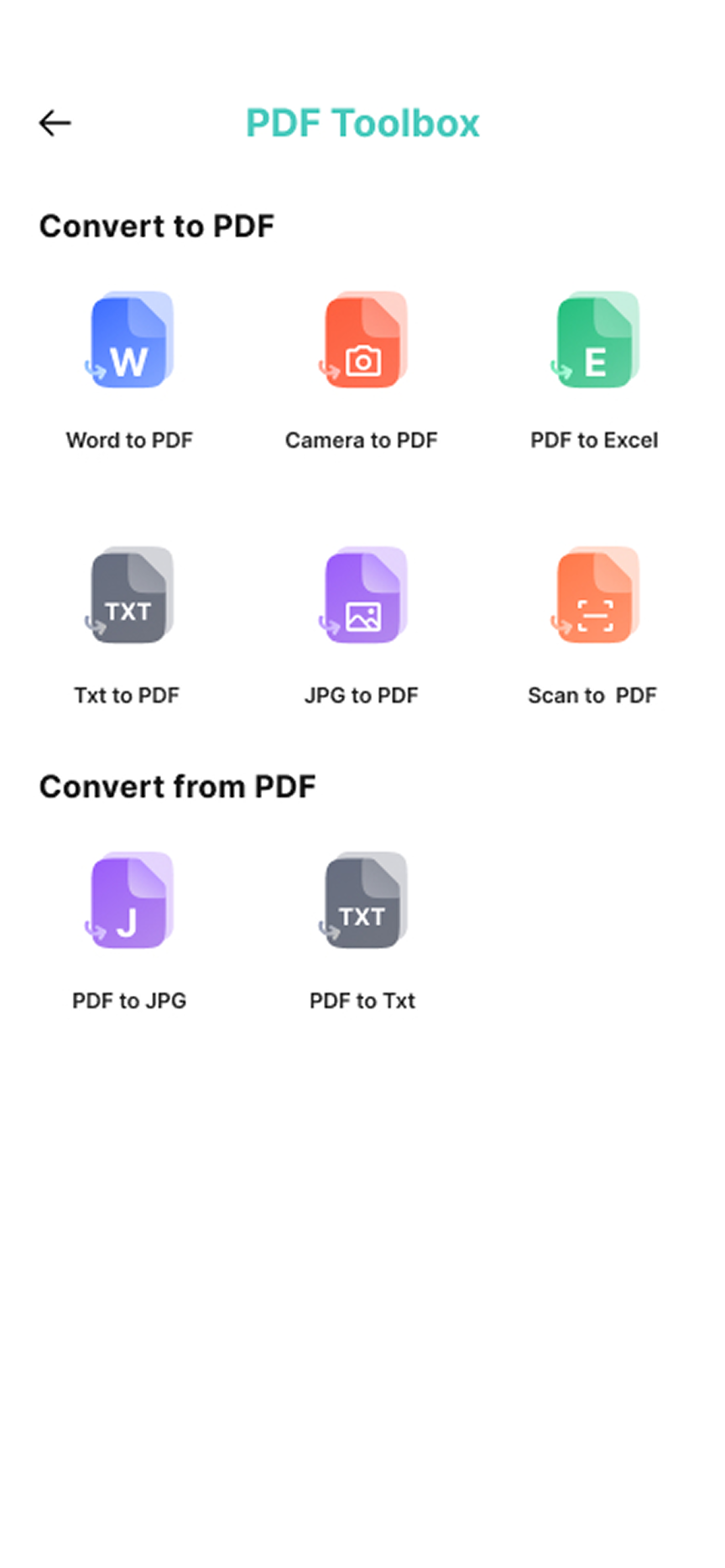
Use the PDF Toolbox to convert common document and image formats.
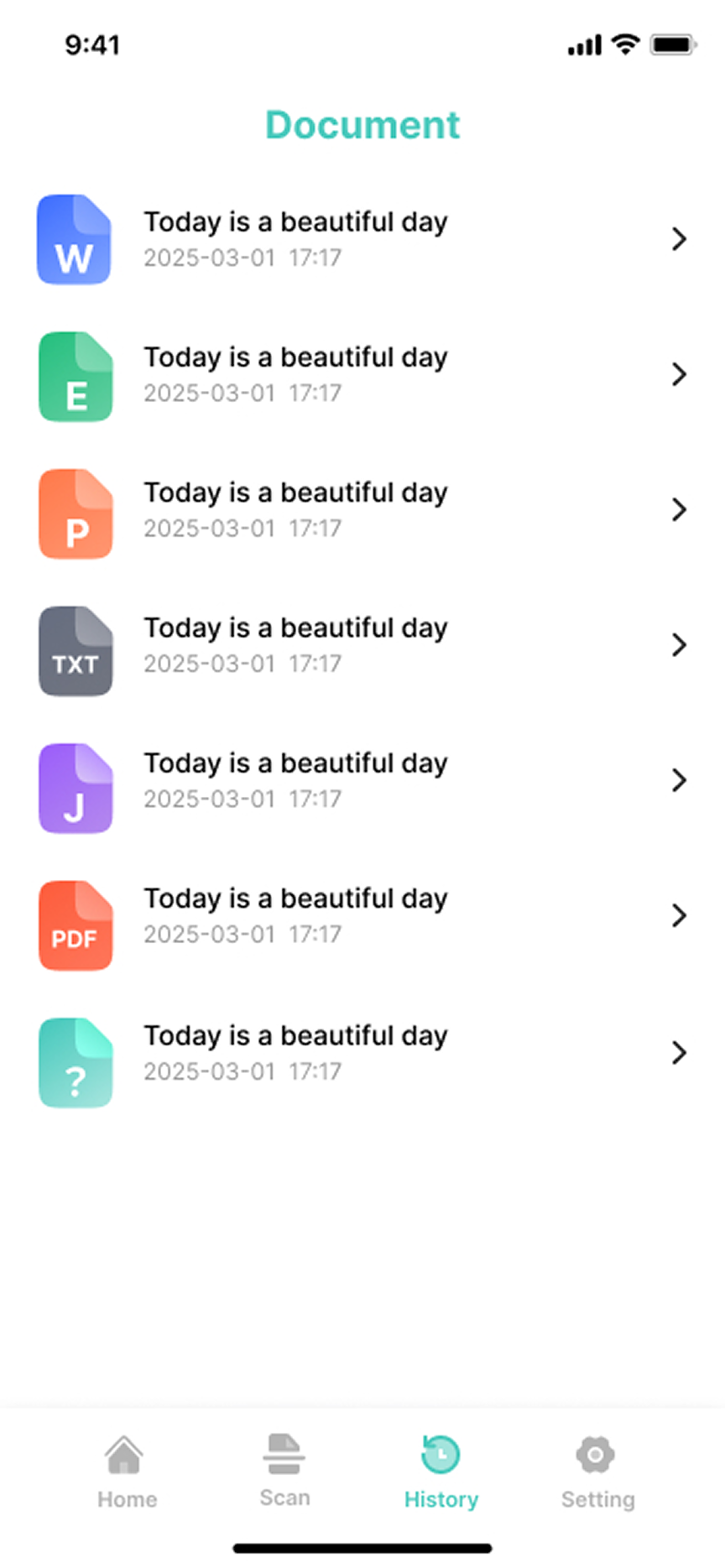
See your document history so a recent file is easy to find again.
The tools you need are a tap away. Explore the screens that help take a document from idea to done.
Start with a page. Use your camera to create a PDF in moments.
Yes. Use the scan screen to capture a page with your camera and turn it into a PDF.
The toolbox shows options for converting Word, TXT, and JPG files to PDF, as well as PDF files to JPG or TXT.
Yes. Open History to revisit documents you’ve worked with in the app.
Documents and photos you create or import are stored on your device, according to our Privacy Policy. They are sent to a third party only if you choose to do so, such as by sharing or uploading them.
Email us at [email protected].
PDF AI Scanner is available on the App Store.